Model · Buildings under construction
Window insert
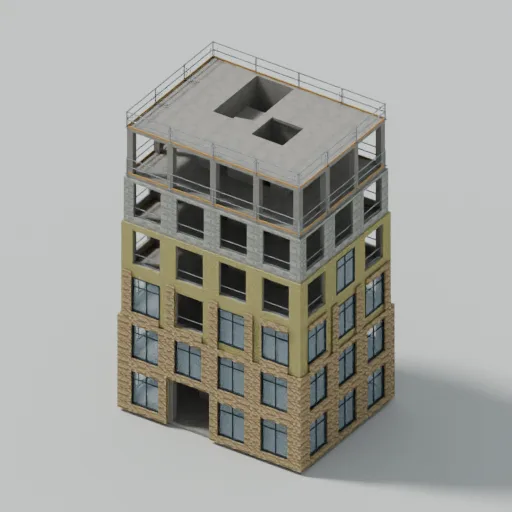
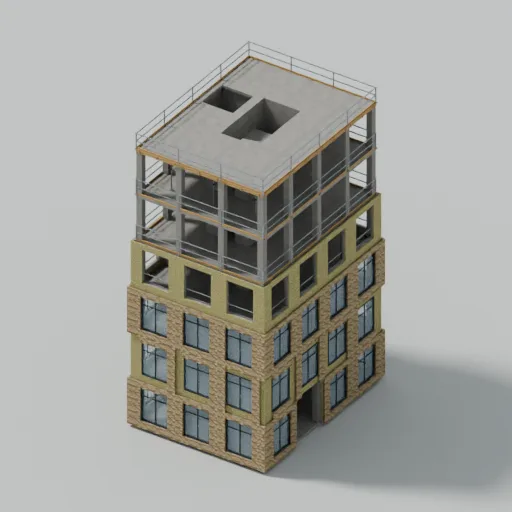
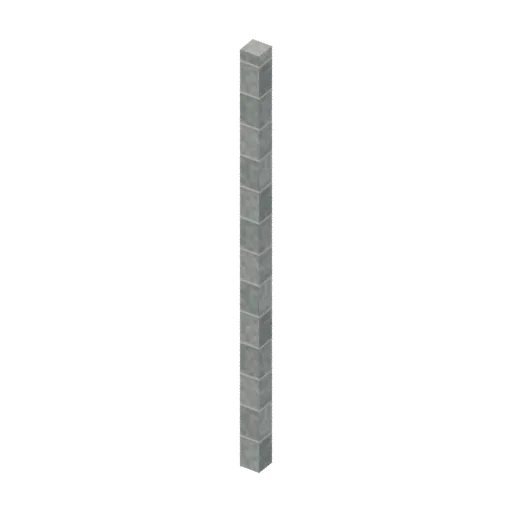
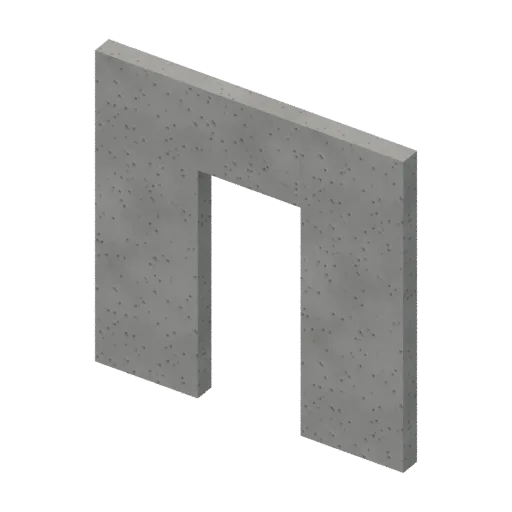
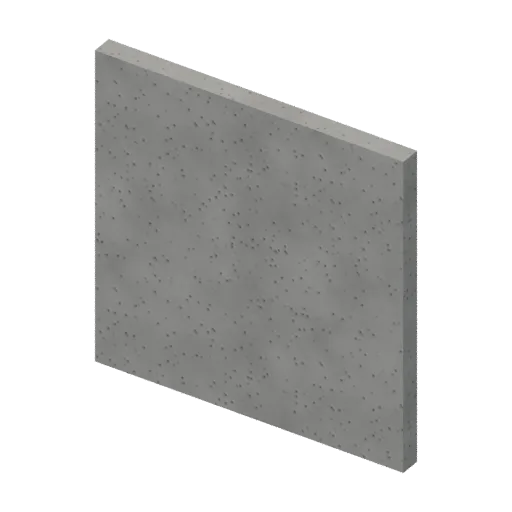
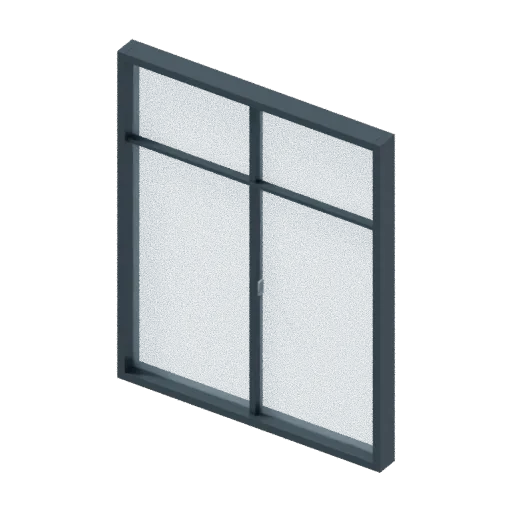
A component from the Buildings under construction pack, with named material slots for construction frame, construction glass and construction metal. It measures about 1.90 m × 2.34 m × 0.16 m (W × H × D) and comes as high, medium and low detail files. Place it on its own, or load one of the 2 included assemblies that use it.
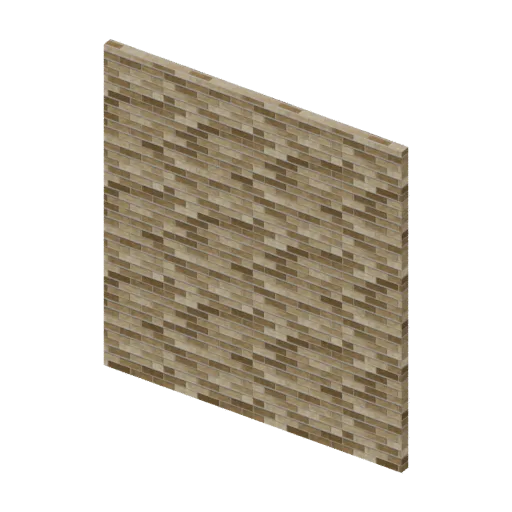
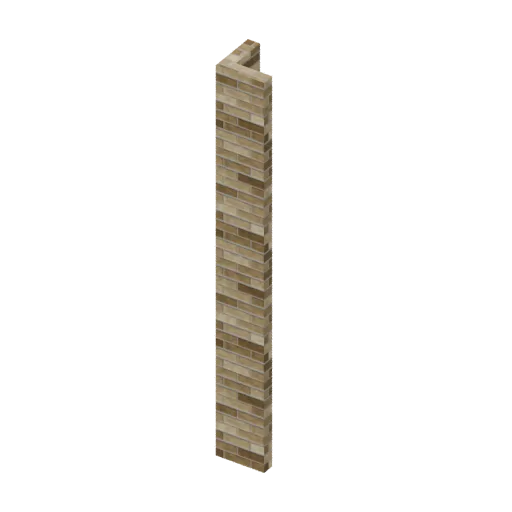
The picture is a studio render. View in 3D loads the GLB files themselves in three.js; switch between high, medium and low to compare.
Included in Buildings under construction (£19), which contains 28 component models and 2 assemblies.
See the pack| High detail | 780 triangles · 78 KB |
|---|---|
| Medium detail | 332 triangles · 51 KB |
| Low detail | 96 triangles · 23 KB |
| Size (W × H × D) | 1.90 m × 2.34 m × 0.16 m |
| Format | GLB (glTF 2.0 binary) |
| Compression | Meshopt (EXT_meshopt_compression) + quantised; uncompressed copy in the pack |
| Textures | 6 embedded in the GLB |
| Material slots | construction frame, construction glass, construction metal |
| Sockets | mount-origin, window |
| Era | 2020s |
| On mobile | Start with the low level (96 triangles). What a phone can draw depends on your whole scene; no device benchmark is published yet. |
| Instancing | Safe to instance (InstancedMesh) |
Load it in three.js
import { GLTFLoader } from 'three/addons/loaders/GLTFLoader.js';
import { MeshoptDecoder } from 'three/addons/libs/meshopt_decoder.module.js';

const loader = new GLTFLoader().setMeshoptDecoder(MeshoptDecoder);
const { scene: model } = await loader.loadAsync('models/construction-window-insert/high-construction-window-insert.glb');
scene.add(model); // 1 unit = 1 metre, origin at the mount socket